
The Google Ads API is a programmatic interface for reading and writing Google Ads account data at scale. Instead of clicking through the UI, you send requests to create campaigns, pull performance reports, and automate bidding across thousands of accounts from your own code.
Key Takeaways
- The Google Ads API lets you manage campaigns, keywords, and reports programmatically instead of by hand in the UI.
- It is built for scale: agencies, SaaS tools, and in-house ops teams use it to automate repetitive work across many accounts.
- It differs from Google Ads scripts, which run inside the UI with simpler limits and no external hosting.
- Access requires a manager account, a developer token, and OAuth credentials; approval can take a few business days.
- The API itself is free, but every operation counts against rate limits, and a bad integration can burn quota fast.
What Is the Google Ads API?
The Google Ads API is a REST and gRPC interface that exposes nearly every object in a Google Ads account: campaigns, ad groups, keywords, bids, budgets, conversions, and reporting streams. Google positions it as the replacement for the older AdWords API, and it is the only supported way to build custom tooling that talks to Google Ads at scale.
Most teams encounter it in one of three situations: they outgrow the UI, they need to sync ad data into a warehouse, or they are building a product that manages ads on behalf of customers. The API turns account management into code you can test, version, and run on a schedule.
What Can You Build with the Google Ads API?
The interface is broad enough to support almost any automation you would otherwise do by clicking. Common builds include:
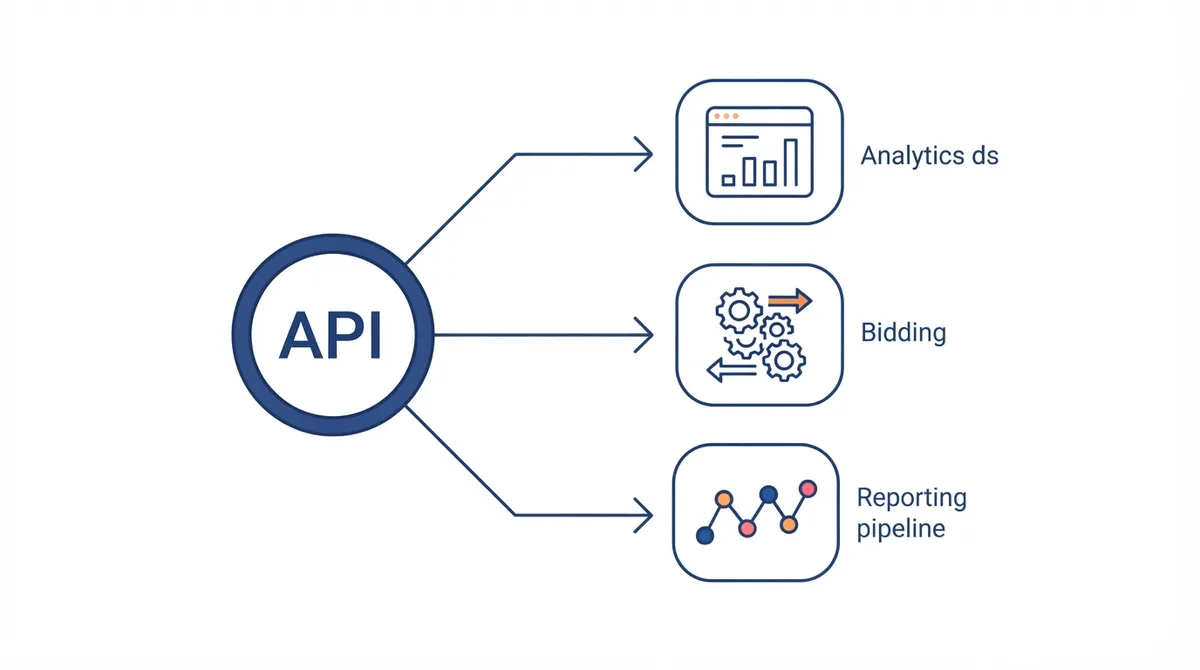
- Bulk management tools. Create and edit thousands of campaigns, ad groups, and keywords from a spreadsheet or internal app.
- Reporting pipelines. Pull daily, hourly, or custom-date performance data and land it in a warehouse for analysis.
- Bid and budget automation. Adjust bids based on your own signals rather than only Google's smart bidding.
- Cross-account dashboards. Aggregate spend and conversions across many client accounts into one view.
- Creative and feed sync. Push product feeds, ad copy, or assets from your systems into Google Ads on a schedule.
These same patterns appear in the broader move toward ads operations as code, where the account is treated like infrastructure. The foundation for that is reliable conversion tracking, which is why we cover conversion tracking setup for startups as a prerequisite.
How Does the Google Ads API Differ from Google Ads Scripts?
Both let you automate Google Ads, but they live in different places and serve different needs. Scripts run inside Google Ads on a schedule with a simpler syntax and tighter limits; the API runs on your own servers or cloud and talks to Google over the network. The table below shows the practical split.
| Dimension | Google Ads API | Google Ads scripts |
|---|---|---|
| Where it runs | Your server, cloud, or app | Inside the Google Ads UI |
| Language | Any language with an HTTP or gRPC client (commonly Python, Java, or Node) | JavaScript in a constrained editor |
| Scale | Thousands of accounts, high throughput | Single account, lower limits |
| Setup | Developer token, OAuth, hosting | None beyond the script |
| Best for | Products, agencies, data pipelines | Quick account hygiene rules |
If your need is a single-account rule like pausing keywords below a threshold, a script is faster. If you are building a tool or syncing data across accounts, the API is the right call. The general case for automating the channel is in our Google Ads automation guide.
How Do You Get Access to the Google Ads API?
Access is gated because the interface is powerful. The steps are:
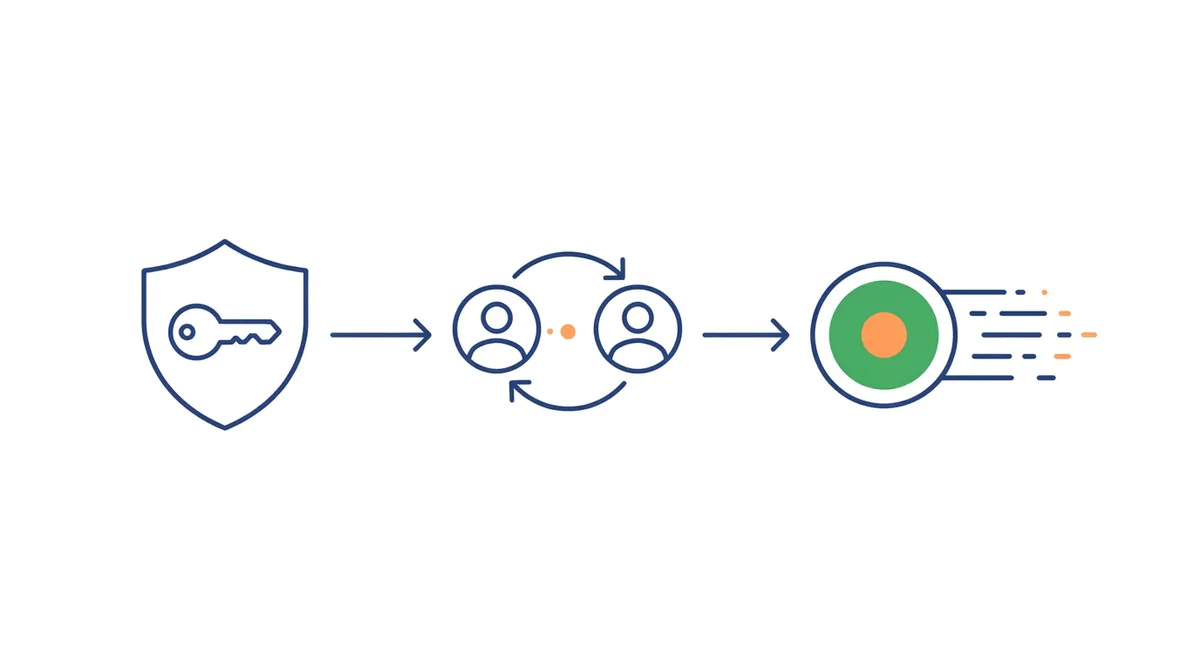
- Create or use a Google Ads manager account. The developer token is issued against a manager (MCC) account.
- Apply for a developer token. Submit the form in the manager account; basic access is usually approved in a few business days, while standard access needs a usage review.
- Set up OAuth 2.0 credentials. Create a client ID and secret in Google Cloud and complete the consent flow to get a refresh token.
- Link the accounts you will manage. Client accounts must be linked to your manager account before the API can touch them.
Treat the refresh token and developer token like production secrets. Leaking them means someone else can spend your clients' money, so store them in a secret manager, not in source control. A clean account structure makes the integration far easier, which is why we wrote the Google Ads account structure guide for startups.
What Does the Google Ads API Cost?
Google does not charge for API access itself. You pay only for the ads you run, as usual. The real costs are engineering time and quota: every request consumes operations against a daily limit, and poorly written loops can exhaust your allowance and throttle the whole account. Budget for the build, then for monitoring rate limits as you scale.
Because the API is free to call, the smarter investment is in the data plumbing around it. Landing ad performance in a warehouse lets you model cost per acquisition properly instead of guessing, and our marketing data warehouse setup guide covers that foundation.
How Do You Authenticate and Make Your First Request?
Authentication uses OAuth 2.0 with a service or user account. After you have a refresh token and developer token, you attach them as headers on each call. A minimal first request lists the accessible customers or pulls a campaign performance report for a date range. Most teams start by pulling a report rather than writing, because reading is lower risk than mutating live campaigns.
The practical onboarding path is: authenticate, pull a read-only report, store it via server-side tagging and a clean data layer, then only move to writes once the reporting is trustworthy. Server-side collection is also where conversion data quality is won or lost, which matters because the API can only optimize what you measure accurately.
Frequently Asked Questions
What Is the Google Ads API Used For?
It is used to manage Google Ads accounts programmatically: creating and editing campaigns, pulling performance reports, automating bids and budgets, and syncing ad data into external systems. Teams use it when the UI is too slow for the scale or repetition they need.
Is the Google Ads API Free?
Yes, Google does not charge for API access. You pay only for the ad spend the account runs, and the main non-obvious cost is engineering time plus the operational limit on how many requests you can make per day. Rate limits, not fees, are the constraint at scale.
What Is the Difference Between the Google Ads API and Scripts?
Scripts run inside the Google Ads UI in JavaScript with lower limits and no hosting, while the API runs on your own infrastructure in any language and scales across many accounts. Use scripts for single-account rules and the API for products, agencies, and data pipelines.
How Long Does It Take to Get a Google Ads Developer Token?
Basic access is typically approved within a few business days after you submit the application in a manager account. Standard access, which raises limits, requires a usage review and can take longer. Plan the integration around that lead time.
Do I Need to Know How to Code to Use the Google Ads API?
Yes, the API is a developer interface, so you need an engineer or a prebuilt tool. If you only need simple single-account automation, Google Ads scripts require far less code and no external hosting, which is often the better starting point.