
Facebook advertising works for both B2B and B2C businesses - but the strategies differ significantly. With over 2 billion monthly active users and sophisticated targeting options, Facebook remains essential for business advertising in 2026.
This guide covers how to set up and run effective Facebook ads whether you're selling to consumers or other businesses.
B2B vs B2C Strategies
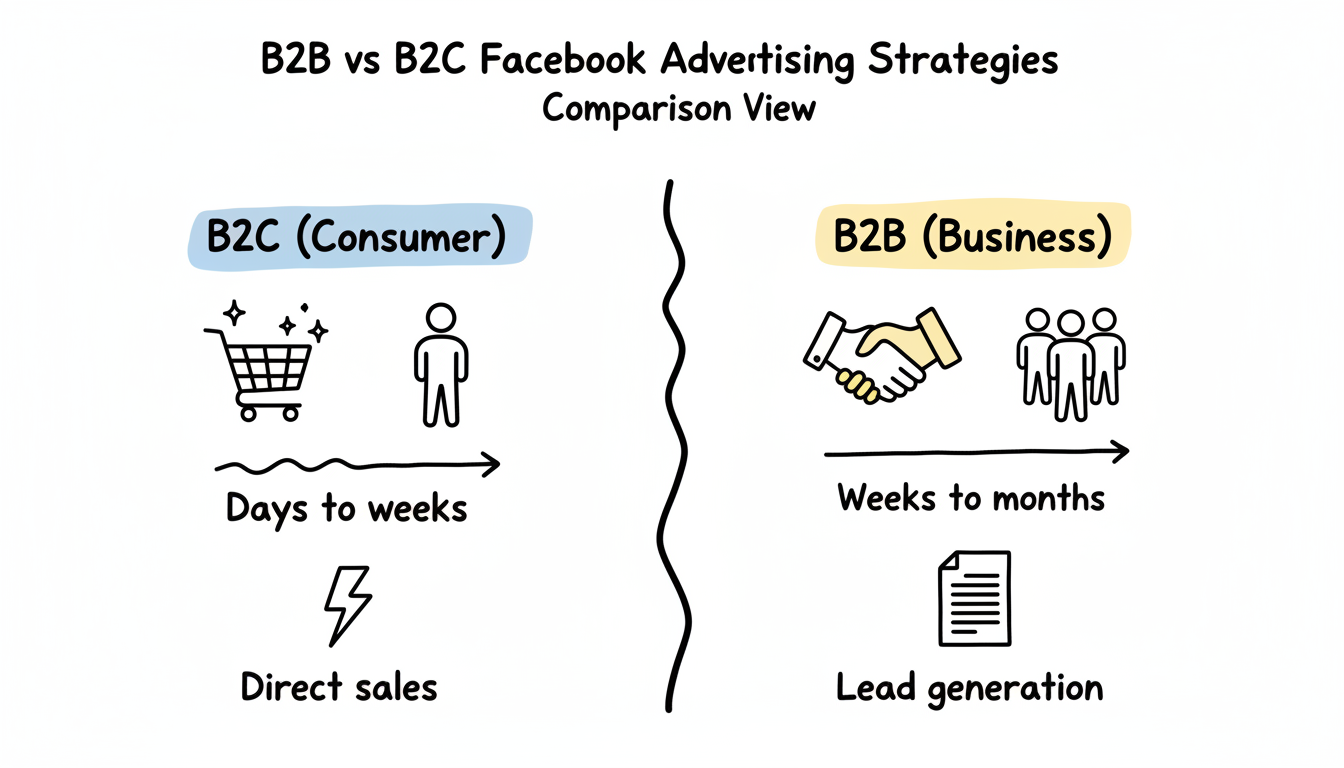
The fundamental difference between B2B and B2C Facebook advertising lies in the buying cycle and decision-making process.
B2C Advertising
Consumer purchases are often spontaneous and emotion-driven. Your strategy should focus on:
Key Metrics:
- Cost per purchase
- Cost per website checkout initiated
- Purchase ROAS (return on ad spend)
Approach:
- Direct conversion campaigns work well
- Shorter funnels (awareness to purchase)
- Visual, engaging creative
- Time-sensitive offers and urgency
Best Objectives: Sales, Engagement, Traffic
B2B Advertising
Business buyers face longer decision-making processes involving multiple stakeholders, higher financial commitments, and more research phases.
Key Metrics:
- Cost per lead (content download)
- Cost per demo request
- Cost per qualified lead
Approach:
- Lead generation focus
- Educational content (whitepapers, webinars, case studies)
- Longer nurturing sequences
- Building trust and credibility over time
Best Objectives: Leads, Engagement (for content), Traffic (to resources)
According to industry data, 48.5% of B2B decision-makers use Facebook for research. However, the platform works best for demand generation - staying "top of mind" so your brand is remembered when buyers are ready.
Quick Comparison
Factor | B2C | B2B |
Sales cycle | Days to weeks | Weeks to months |
Decision makers | Individual | Multiple stakeholders |
Content type | Product-focused, visual | Educational, proof-driven |
Primary goal | Direct sales | Lead generation |
Optimization | Purchase events | Lead form submissions |
Retargeting window | 7-30 days | 30-180 days |
Business Page Setup
Your Facebook Business Page is the foundation of your advertising presence. Ads appear to come from this page, and it's where prospects will investigate your credibility.
Creating Your Business Page
- Log into Meta Business Suite at business.facebook.com
- Go to Settings to Accounts to Pages
- Click "Add" to "Create a new Page"
- Select your business category
- Enter your business name and basic information
Essential Page Elements
Profile Picture: Your logo, optimized for display at small sizes (170x170 pixels)
Cover Photo: Showcase your value proposition or current offer (851x315 pixels)
About Section:
- Clear description of what you do
- Contact information
- Website link
- Business hours (if applicable)
Call-to-Action Button: Choose based on your goal:
- "Contact Us" or "Send Message" for B2B services
- "Shop Now" for e-commerce
- "Book Now" for appointments
- "Learn More" for complex products
Building Initial Credibility
Before running ads, ensure your page shows social proof:
- Add photos and videos of your products/team
- Post 5-10 pieces of content
- Encourage employees to follow the page
- Request reviews from existing customers
- Complete all profile information
A sparse page with no posts can undermine ad performance as curious prospects click through and find nothing.
Campaign Setup
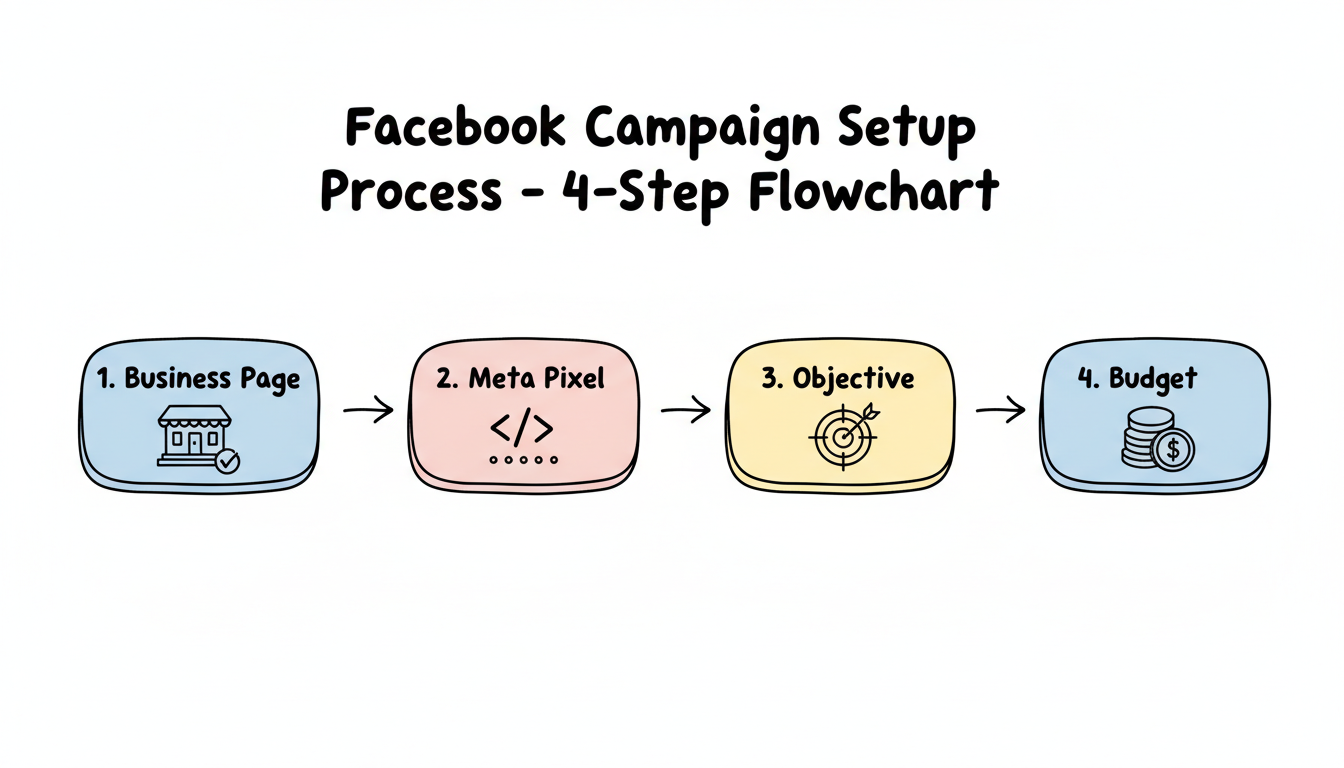
Once your page is ready, set up your advertising infrastructure in Ads Manager. Understanding how to create Facebook ads for beginners will help you navigate the platform confidently.
Step 1: Access Ads Manager
Navigate to adsmanager.facebook.com or access through Meta Business Suite.
Step 2: Install Meta Pixel
The Meta Pixel tracks conversions and builds audiences. Without it, you can't measure results or optimize effectively.
- Go to Events Manager to Data Sources
- Click "Connect Data Sources" to "Web" to "Meta Pixel"
- Install via partner integration (Shopify, WordPress, etc.) or manually
- Set up conversion events relevant to your business
For B2B, focus on: Lead, SubmitApplication, Contact, CompleteRegistration
For B2C, focus on: Purchase, AddToCart, InitiateCheckout, ViewContent
Step 3: Choose Your Objective
Your Goal | Objective to Choose |
Get purchases | Sales |
Collect leads | Leads |
Drive website traffic | Traffic |
Get video views | Engagement |
Build awareness | Awareness |
For most businesses, start with Leads or Sales objectives. These optimize for valuable actions rather than vanity metrics.
Step 4: Set Budget
Facebook requires enough data to optimize effectively. Recommended minimums:
- Testing phase: $20-50/day per ad set
- Growth phase: $50-150/day
- Scale: $150+/day
Before committing to larger budgets, research how much to run ads on Facebook for your specific industry and goals.
Use Campaign Budget Optimization (CBO) to let Facebook allocate spend across your ad sets automatically.
Targeting for Business
Facebook's targeting capabilities make it powerful for both B2B and B2C. The key is matching your approach to your business type.
B2C Targeting Strategies
Funnel-Based Approach:
Top of Funnel (Cold):
- Broad interests related to your product
- Lookalike audiences (5-10%)
- Wide demographics
Middle of Funnel (Warm):
- Website visitors
- Video viewers
- Lookalikes (1-3%)
Bottom of Funnel (Hot):
- Cart abandoners
- Past purchasers (for upsells)
- Engaged audience members
Recommended Audience Sizes:
According to targeting best practices:
Objective | Optimal Audience Size |
Conversions | 500K-2M |
Lead Generation | 300K-1M |
Traffic | 200K-1M |
Brand Awareness | 2M-10M |
B2B Targeting Strategies
B2B targeting on Facebook requires more precision since you're reaching decision-makers, not general consumers.
Demographic Targeting:
- Job titles (CEO, Marketing Director, IT Manager)
- Industries
- Company size (use "Small Business Owner" interest for SMBs)
- Education level
Interest-Based Targeting:
- Business publications (Forbes, Harvard Business Review)
- Industry-specific software and tools
- Professional development topics
- Competitor brand interests
Custom Audiences:
- Email list uploads (customer and prospect lists)
- Website visitors to specific pages
- Webinar attendees
- Content downloaders
Lookalike Strategy: Build lookalikes from your highest-quality leads, not just any leads. A lookalike based on customers who closed is more valuable than one based on all form fills.
2026 Targeting Reality
Meta's Andromeda algorithm now controls much of the targeting automatically. For both B2B and B2C:
- Broader targeting often performs as well as highly specific audiences
- Your creative does more targeting work than your settings
- Test broad audiences alongside detailed targeting
- Feed the algorithm quality conversion data through proper pixel setup
Many businesses benefit from working with a Facebook ads marketing agency to navigate these evolving algorithmic changes and maximize campaign performance.
Creative Strategy for Business Audiences
The creative that works for business buyers differs from consumer creative. Lead with the outcome the buyer is accountable for - pipeline, efficiency, reduced risk - rather than product features. Use a specific proof point in the first line, because B2B scroll-stoppers are claims a skeptic would challenge, not vibes they enjoy. Test two or three angles per campaign: a cost-saving hook, a risk-reduction hook, and a capability hook, then let the algorithm find which resonates with the segment you targeted. Pair the ad with a landing page that matches the promise so the click is not a bait-and-switch.
Lead Quality Over Lead Volume
A packed lead queue means nothing if none close. Segment your B2B reporting by lead source and by the audience that produced it, and watch lead-to-Meeting and Meeting-to-Customer rates, not just cost per lead. A campaign at $40 CPL that books demos is cheaper than one at $15 CPL that books none once you price in sales time. Feed closed-won data back into the pixel so Meta optimizes toward pipeline, not form fills, and pause audiences whose leads never reach a sales conversation regardless of how cheap they looked.
Compliance and Policy for Business Accounts
Business categories face stricter ad review. Finance, health, and legal advertisers must keep claims substantiated and avoid restricted phrasing, or accounts get flagged and campaigns stall mid-flight. Keep a compliance pass in your launch checklist and store the backup documentation for any claim you make. Maintain a clean Business Manager - verified domain, consistent payment, and accurate Page info - because policy strikes on the account quietly cap reach across every campaign, not just the offending one. Treat policy as a budget lever, because it is one.
Frequently Asked Questions
Can Facebook Ads Work for B2B Businesses?
Yes, but with adjusted expectations. Facebook excels at B2B demand generation and awareness rather than direct sales. Use it to capture leads with valuable content offers, then nurture those leads through email and other channels. For high-intent B2B leads, consider pairing Facebook with LinkedIn advertising.
What'S the Minimum Budget for Business Facebook Ads?
While there's no official minimum, most experts recommend at least $20-50 per day per ad set to gather enough data for optimization. For B2B campaigns, where cost per lead is higher, budget $50-100/day minimum to see meaningful results within a reasonable timeframe.
Should I Use Lead Ads or Drive Traffic to My Website?
Lead Ads work well for B2B because they reduce friction - forms auto-populate with user data, making submission easy. However, website forms often produce higher-quality leads since users demonstrate more commitment. Test both and measure lead-to-customer conversion rates, not just cost per lead.