
What Is Microsoft Advertising Platform? 2026 Complete Guide
Microsoft Advertising (formerly Bing Ads) is a pay-per-click advertising platform that places your ads across the Microsoft Search Network, including Bing, Yahoo, AOL, and partner sites. With over 1 billion users worldwide and 900 million searches each month, Microsoft Advertising represents the second-largest paid search and display advertising platform after Google—and one that many digital marketers and advertisers still overlook despite its strong ROI track record.
This guide answers what is Microsoft Advertising platform and what it offers, how it differs from Google Ads, and how to get started effectively reaching audiences your competitors may be ignoring right now.
Platform Overview
Microsoft Advertising enables businesses to display ads on Bing and across Microsoft's network of properties on a pay-per-click model—you only pay when someone clicks your ad.
The platform is available in 187 markets and supports 35 languages, making it a truly global advertising solution. For businesses evaluating what is Microsoft Advertising platform worth investing in, that global reach is a key differentiator.
Where Microsoft Ads Appear
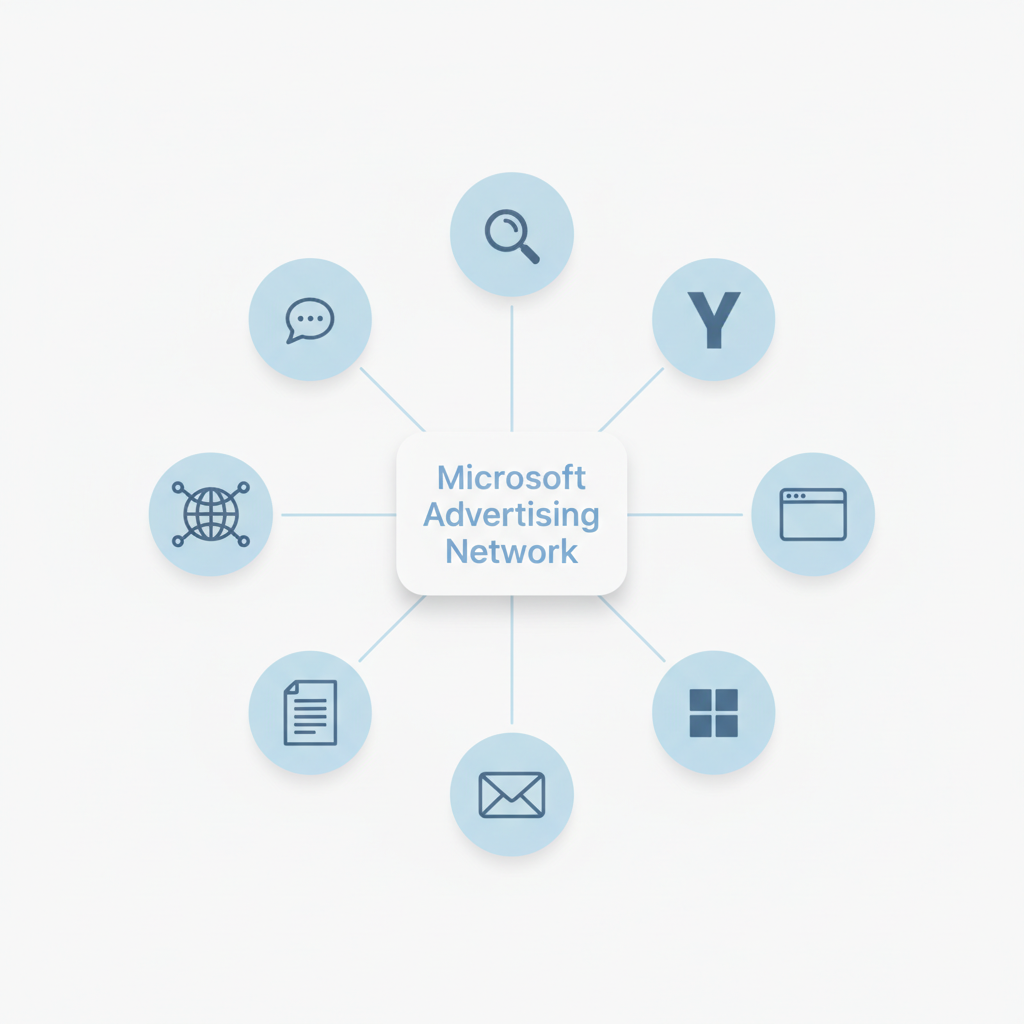
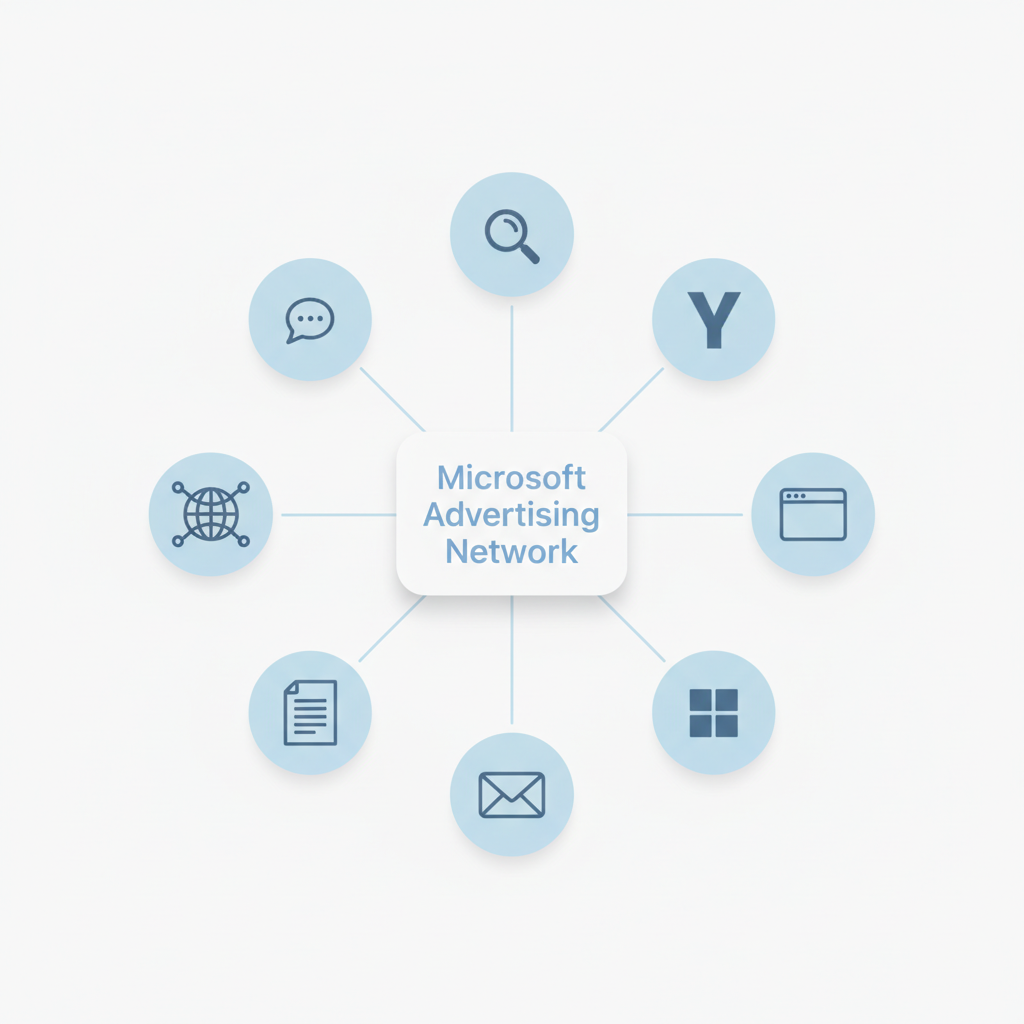
Microsoft Advertising places your ads across an extensive network of search engines, apps, and content properties:
- Bing search results: The second-largest search engine in the US
- Yahoo and AOL: Partner search networks
- DuckDuckGo: Privacy-focused search engine powered by Bing's index
- Ecosia: Eco-friendly search engine partner
- Microsoft Edge: Default browser on Windows devices
- Outlook: Email platform with embedded search
- MSN: Microsoft's news and content portal
- Microsoft Start: The Windows content feed
- Xbox: In-dashboard ads and gaming network placements
- Syndicated search partners: Premium publisher sites including Amazon, The Wall Street Journal, and CBS Interactive
- Microsoft Audience Network: Partner websites and apps
This extensive network means your ads reach users throughout their daily digital activities—not just during active searches. The inclusion of DuckDuckGo and syndicated partners like Amazon significantly expands your reach beyond what most advertisers expect from "Bing Ads."
How Microsoft Advertising Works
The platform functions similarly to other search advertising systems:
- Create an account: Set up your Microsoft Advertising account with billing information
- Choose keywords: Select search terms you want to trigger your ads
- Write ad copy: Create compelling text ads with headlines and descriptions
- Set bids and budget: Determine how much you'll pay per click and daily spending limits
- Launch and optimize: Start campaigns and refine based on performance data
Microsoft Advertising also offers an import tool that allows you to transfer existing Google Ads campaigns directly into the platform, making it easy to expand your reach without rebuilding campaigns from scratch.
Key Features
Microsoft Advertising provides several distinctive capabilities that set it apart from competitors.
LinkedIn Profile Targeting
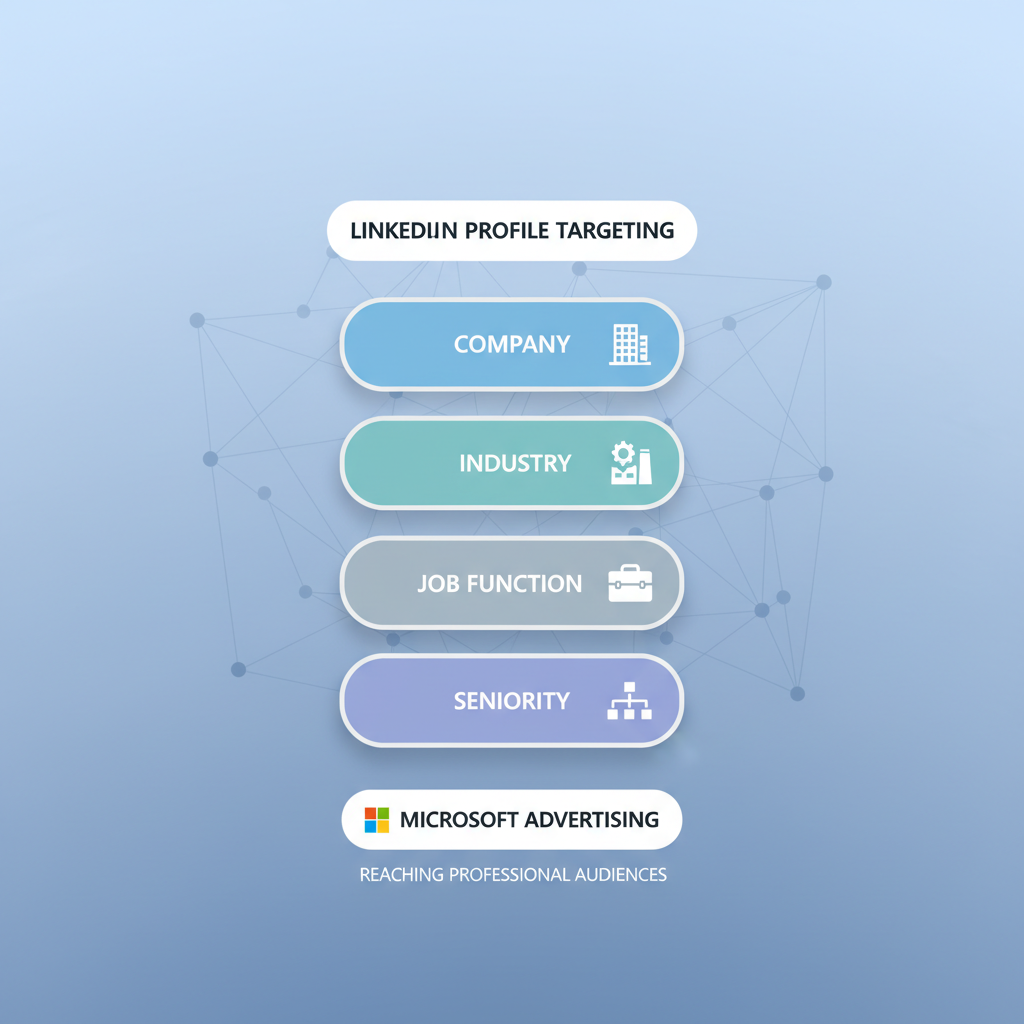
One of Microsoft's most powerful differentiators is LinkedIn integration for B2B targeting. Advertisers can target users based on:
- Company name
- Industry
- Job function
- Seniority level
This makes Microsoft Advertising particularly valuable for B2B marketers who need to reach specific professional audiences. For a cost comparison, see our guide on LinkedIn Ads cost.
If you're exploring organic SEM agency services, leveraging these advanced targeting capabilities can significantly improve your campaign performance.
Performance Max Campaigns
In 2026, Microsoft expanded Performance Max capabilities significantly. According to Search Engine Land, advertisers can now add up to 50 search themes per campaign—double the previous limit—giving more control over how automation interprets search intent.
Performance Max campaigns use AI to automatically optimize across Microsoft's entire network, including search, display, and native placements.
AI-Powered Automation
Microsoft has integrated AI throughout the advertising platform. Recent updates include:
- Copilot Checkout: AI-assisted shopping experiences
- Brand Agents: Automated brand representation in AI interactions
- ChatGPT and Copilot integration: Ads now appear within conversational search results in Bing Chat and Microsoft Copilot, giving advertisers access to users engaging with AI-powered search
- Auto-generated assets: Generative AI creates headline and description variations automatically, reducing manual creative workload
- Smart bidding: Automated bid optimization based on conversion goals
- Responsive ad creation: AI-assisted ad copy generation
Audience Targeting Options
Beyond LinkedIn data, Microsoft Advertising offers sophisticated audience targeting:
- In-market audiences: Users actively researching products or services
- Custom audiences: First-party data from your customer lists
- Remarketing: Re-engage previous website visitors
- Similar audiences: Find new users matching your best customers
- Demographic targeting: Age, gender, location, and device preferences
Ad Extensions
Microsoft Advertising supports a full suite of ad extensions that enhance your ads with additional information and increase click-through rates:
- Action extensions: Add call-to-action buttons directly in your ads (e.g., "Get Quote," "Book Now")
- Review extensions: Showcase third-party reviews and ratings alongside your ad copy
- Video extensions: Attach short video clips to search ads for more engaging results
- Call extensions: Display your phone number with click-to-call functionality for mobile users
- Ad customizers: Dynamically insert countdown timers, location data, or inventory levels into ad text for real-time relevance
Call tracking and phone lead attribution are built into the platform, allowing advertisers to measure which keywords and ads drive phone calls—not just clicks and form submissions.
A/B Testing and Experiments
Microsoft Advertising includes a built-in Experiments feature that lets you run controlled A/B tests on your campaigns. You can split traffic between a control and variant to test changes to bidding strategies, ad copy, landing pages, or targeting settings before committing budget to a full rollout.
The platform also provides impression share and share of voice metrics, giving you visibility into how much of the available market your ads are capturing and where competitors may be outbidding you.
Audience Reach
Microsoft Advertising reaches audiences that differ meaningfully from Google's user base, with over 1 billion users worldwide across its network of properties.
Demographic Profile
According to Microsoft Advertising research and industry data, Bing users tend to be:
- Higher income: Over one-third of Bing users have household incomes above $100,000
- Mature professionals: Approximately 70% of users are aged 35-65, making them established in their careers
- Decision-makers: Often in positions with purchasing authority at their organizations
- Desktop-oriented: Higher desktop usage compared to Google
With 66 million unique users in the US alone, Microsoft Advertising gives you access to an audience that skews toward higher spending power—ideal for B2B advertisers and premium consumer brands.
Market Share and Competition
Microsoft holds approximately 7% of the US search market share. While smaller than Google, this creates significant opportunity. Industry analysis shows that lower advertiser competition on Microsoft typically results in:
- 33-70% lower cost per click compared to identical keywords on Google
- 45% higher click-through rates on average compared to equivalent Google Ads campaigns
- $4 to $10 return for every $1 spent on Microsoft Advertising
- Less auction competition for high-value terms
- Higher impression share at similar budget levels
Advertisers using Microsoft Advertising alongside Google Ads typically see 33-70% lower CPCs and $4–$10 return for every $1 spent—making it one of the highest-ROI expansions in paid search.
Many businesses see 20-35% revenue increases when adding Microsoft Advertising alongside existing Google campaigns. Working with Microsoft Ads PPC agency services can help you maximize these cost advantages while maintaining quality traffic.
| Metric | Microsoft Advertising | Google Ads |
|---|---|---|
| Average CPC | 33-70% lower | Baseline |
| Average CTR | 45% higher | Baseline |
| ROI | $4–$10 per $1 spent | Varies |
| Audience Size (US) | 66 million unique users | ~270 million |
| LinkedIn Targeting | Yes | No |
Ad Formats
Microsoft Advertising supports multiple ad formats to match different marketing objectives.
Choosing the right ad format depends on your campaign objective. For brand awareness and top-of-funnel reach, Microsoft Audience Ads and Connected TV placements deliver broad exposure at efficient CPMs. For lead generation and direct response, Responsive Search Ads paired with LinkedIn audience targeting deliver the most qualified clicks. For e-commerce, Product Ads with Smart Shopping automation handle bidding and placement automatically. Multi-format campaigns that combine search and audience placements consistently outperform single-format approaches in Microsoft's own advertiser studies.
Search Ads
Responsive Search Ads (RSA): The standard search ad format. You provide multiple headlines and descriptions, and Microsoft's AI tests combinations to find top performers.
Dynamic Search Ads: Automatically generates ads based on your website content, capturing long-tail keywords you might miss.
Shopping Ads
Product Ads: Display your products directly in search results with images, prices, and store information. Ideal for e-commerce businesses.
Smart Shopping Campaigns: AI-optimized campaigns that automatically bid and place product ads across the network.
Display and Native Ads
Microsoft Audience Ads: Image-based ads appearing on partner sites in the Microsoft Audience Network.
Native Ads: Ads formatted to match the look and feel of the content environment where they appear.
Video Ads
Video placements across Microsoft properties and partner sites, supporting brand awareness and engagement campaigns.
Connected TV and Streaming Ads
Microsoft has expanded into Connected TV (CTV) advertising, allowing brands to place video ads on streaming platforms including Netflix through the Microsoft Advertising platform. CTV campaigns let you reach cord-cutters and streaming audiences with targeted video ads delivered on smart TVs, gaming consoles, and streaming devices.
Streaming campaigns combine the precision targeting of digital advertising with the high-impact format of television, giving advertisers a way to build brand awareness among audiences who have moved away from traditional TV.
Microsoft Advertising's exclusive LinkedIn profile targeting makes it the only search platform where B2B advertisers can target by company name, industry, job function, and seniority level—capabilities unavailable on Google Ads.
Microsoft Advertising for B2B and Account-Based Marketing
Microsoft Advertising is uniquely positioned for B2B marketers thanks to its exclusive LinkedIn profile targeting. Account-based marketing (ABM) strategies become actionable when you can target ads by company name, industry, job function, and seniority level—capabilities no other search advertising platform offers.
For SaaS businesses in particular, Microsoft Advertising provides a cost-effective acquisition channel. The combination of lower CPCs, LinkedIn-powered targeting, and a user base skewing toward professional decision-makers means you can reach qualified buyers at a fraction of what you would spend on Google Ads or LinkedIn Ads directly.
An effective ABM approach on Microsoft Advertising involves creating separate campaigns for each target account segment, using LinkedIn company and job function targeting to narrow delivery, and aligning ad messaging with account-specific pain points.
When building an ABM campaign on Microsoft Advertising, use layered targeting: start with LinkedIn company targeting to define your account list, then overlay job function filters to reach procurement and decision-making roles. Layer in in-market audiences for software or business services to ensure you are reaching accounts that are actively evaluating solutions. This combination delivers higher-quality impressions at significantly lower costs than LinkedIn Ads, with typical B2B advertisers reporting a 3x improvement in cost-per-qualified-lead.
Microsoft DSP Shutdown: What It Means for Advertisers
In early 2026, Microsoft officially shut down its demand-side platform (DSP), consolidating programmatic buying capabilities into the core Microsoft Advertising platform. This means advertisers who previously used Microsoft's standalone DSP for programmatic display and video buying now need to transition those campaigns.
The shutdown reflects Microsoft's strategy of simplifying its ad tech stack. For most advertisers, the impact is minimal because Microsoft Audience Network and Performance Max campaigns already cover display, native, and video placements that the DSP handled. If you relied on the DSP for advanced programmatic features, alternatives include The Trade Desk, DV360, or Amazon DSP for open-web programmatic buying.
Pricing and Free Tier
Microsoft Advertising is free to sign up and create an account—there is no minimum spend requirement and no monthly platform fee. You only pay when someone clicks on your ad (pay-per-click model) or when your ad is shown a set number of times (CPM model for display campaigns).
Typical costs include:
- Search ads: $0.50 to $5+ per click depending on industry and keyword competition
- Display ads: Lower CPMs compared to Google Display Network
- Shopping ads: Competitive product listing costs with lower auction pressure
Microsoft prioritizes consumer privacy and brand transparency throughout its advertising platform. For tools to manage your campaigns, explore our roundup of PPC advertising software tools. Advertisers benefit from Microsoft's brand safety controls and transparent reporting on where ads appear across the network.
Advertisers just getting started on Microsoft Advertising can test the platform with minimal risk. Most industries see effective CPCs between $0.50 and $2.50, making it accessible even on a $500 monthly budget. Microsoft Advertising also provides a $500 credit for new advertisers who spend $500 on their first campaign, effectively doubling your initial investment and giving you room to test multiple keywords, audiences, and ad formats before optimizing toward your best performers.
Getting Started
Follow these steps to launch your first Microsoft Advertising campaign.
Microsoft Advertising is designed for fast setup. Most advertisers launch their first campaign within 30 minutes, especially if using the Google Ads import tool. New accounts receive dedicated onboarding support from Microsoft Advertising representatives for accounts with monthly budgets above $1,000, and all advertisers have access to the Microsoft Advertising Intelligence tool for keyword research and bid recommendations.
Step 1: Create Your Account
Visit ads.microsoft.com and sign up with your Microsoft account. Enter your business information and billing details.
Step 2: Import or Build Campaigns
If you have existing Google Ads campaigns, use the import tool to transfer them directly. Microsoft supports Meta Ads import too, letting you bring over Facebook and Instagram campaigns with auto-sync.
The campaign auto-import feature keeps your Microsoft campaigns synced with changes you make in Google Ads, reducing ongoing maintenance effort.
For new campaigns, start with:
- Clear campaign objectives (conversions, traffic, awareness)
- Keyword research using Microsoft's Keyword Planner
- Compelling ad copy with strong calls to action
Step 3: Configure Targeting
Set your targeting parameters:
- Geographic locations
- Language preferences
- Device targeting
- Audience segments (including LinkedIn data for B2B)
- Bid adjustments for high-value segments
Step 4: Set Budget and Bids
Establish daily budgets and bidding strategies. For beginners, Enhanced CPC or Target CPA bidding can automate optimization while you learn the platform. If you're comparing platforms, our guide on Microsoft Ads vs Google Ads comparison can help you allocate budget effectively between both channels.
Step 5: Launch and Monitor
Activate your campaigns and monitor performance regularly. Key metrics to track include:
- Click-through rate (CTR)
- Conversion rate
- Cost per acquisition (CPA)
- Return on ad spend (ROAS)
Frequently Asked Questions
Common questions about what Microsoft Advertising offers, how it works, and how it compares to Google Ads and other platforms.
What Is Microsoft Advertising Platform?
What is Microsoft Advertising platform, exactly? It is Microsoft's full-service paid search and display advertising system, covering Bing, DuckDuckGo, Yahoo, AOL, Xbox, and the Microsoft Audience Network. In short, knowing what is Microsoft Advertising platform helps marketers diversify beyond Google and access a high-income professional audience at lower CPCs.
Is Microsoft Advertising the Same as Bing Ads?
Yes. Microsoft rebranded Bing Ads to Microsoft Advertising in 2019 to better reflect the platform's expanded reach beyond just Bing search. According to industry sources, the platform now covers Bing, Yahoo, AOL, and the Microsoft Audience Network, making "Microsoft Advertising" a more accurate name for the full advertising ecosystem.
How Much Does Microsoft Advertising Cost?
Microsoft Advertising uses a pay-per-click model where you set your own budget. Typical CPCs range from $0.50 to $5+, and the platform often delivers 33-70% lower CPCs than Google Ads due to less competition.
Should I Use Microsoft Advertising If I Already Use Google Ads?
Yes—most experts recommend using both platforms. Microsoft Advertising reaches audiences that don't use Google and typically costs less per click. According to industry research, advertisers see 20-35% revenue increases by adding Microsoft Advertising alongside Google campaigns. The import tool makes expanding to Microsoft quick and straightforward.
Does Microsoft Have a Marketing Platform?
Yes. Microsoft Advertising is Microsoft's full-service digital marketing platform, covering search ads, display ads, shopping ads, video ads, and Connected TV placements across Bing, DuckDuckGo, Yahoo, AOL, and Xbox.
Microsoft also offers Dynamics 365 Marketing for CRM-based automation, but Microsoft Advertising is the primary platform for paid search and display.
Is Microsoft Shutting Down Its DSP?
Yes. Microsoft shut down its standalone DSP in early 2026. Programmatic display and video capabilities are now consolidated into the core Microsoft Advertising platform via Microsoft Audience Network and Performance Max.
Is Microsoft Advertising Free to Use?
Creating a Microsoft Advertising account is completely free with no minimum spend requirement. You only pay when users interact with your ads—either per click (CPC) or per thousand impressions (CPM). This makes it accessible for businesses of any size to test the platform alongside existing advertising channels.
What Ad Extensions Does Microsoft Advertising Offer?
Microsoft Advertising supports action extensions, review extensions, video extensions, call extensions, sitelink extensions, callout extensions, structured snippet extensions, and location extensions. These enhance your ads with additional information like phone numbers, links to specific pages, promotional text, and call-to-action buttons—all designed to improve visibility and click-through rates.
Should I Disable Advertising ID?
Should I disable advertising ID? If you are a Windows user concerned about privacy, disabling the Microsoft advertising ID reduces personalized ad targeting across apps. For advertisers, this setting affects audience targeting reach but does not disable Microsoft Advertising campaigns on Bing or the Microsoft Audience Network.
How to Get Rid of Microsoft Advertising?
To get rid of Microsoft Advertising campaigns, sign in at ads.microsoft.com, go to Campaign settings, and pause or delete the campaigns. To close your account entirely, use Account settings—billing stops immediately.
Key Takeaways
Here is a summary of the most important things to know about Microsoft Advertising before you start your first campaign.
- What is Microsoft Advertising platform? It reaches over 1 billion users worldwide across Bing, DuckDuckGo, Yahoo, AOL, Xbox, and syndicated partner sites like Amazon and The Wall Street Journal
- The platform offers unique LinkedIn profile targeting for B2B advertisers and account-based marketing strategies
- Lower competition typically means 33-70% lower CPCs and 45% higher CTRs compared to Google Ads
- Advertisers report $4 to $10 return for every $1 spent on the platform
- New ad formats include Connected TV (CTV) and streaming placements on Netflix and other platforms
- Ad extensions, A/B testing experiments, and call tracking provide advanced optimization capabilities
- Performance Max, ChatGPT/Copilot integration, and generative AI features have expanded significantly in 2026
- Microsoft's DSP was shut down in early 2026—programmatic capabilities are now built into the core platform
- You can import existing Google Ads and Meta Ads campaigns directly with auto-sync
- Adding Microsoft Advertising to your mix can increase revenue 20-35% without cannibalizing Google results